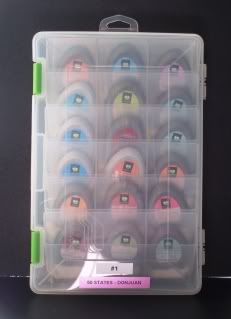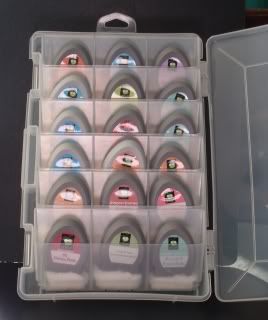
Over the past couple of weeks, I have been organizing my cuttlebug folders. I started with a cut file form Okie on the cricut message board. Thanks Okie!! You can find her file here. I did color coordinate my folders. This was helpful to me. I labeled each folder and the cuttlebug folder. There is no way that I can memorize the name of each folder! lol

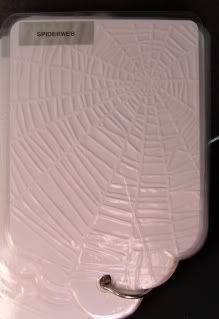
Okie embossed the front of her folders so she could see what they would look like. This didn't work for me. Sorry Okie. On "Holidays with the Cricut", Tammy made these really cute tags and put them on a ring. This way she can flip thru the tags quickly to find the cuttlebug folder she needs. I loved this idea. Thanks Tammy!
After the tags were cut and embossed, I laminated them with my Yourstory machine from Provocraft. I did cut the laminating material with the cricut first. This made it much easier.
Folders on the ring:

Closeup of one folder:
Gypsy cut file for tags and laminating pouches
(Did you know that you can open a gypsy file in design studio? You can. Simply download the file and open it as you would any other cut file.)
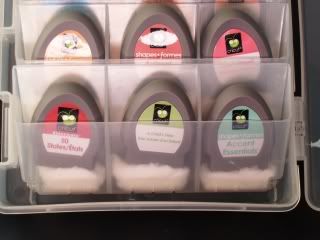
I have also updated my cricut cartridge organization. I am currently storing them in Plano Tackle Boxes. These work really well for me. I have a gypsy so I don't use my books and overlays often. I find that if you just put the cartridge into the slot, it will slide down and be hard to pull out. I put a cotton ball in first which keeps this from happening.
I put the carts in alphabetical order and then labeled them.